
|
|
Advance/Stop time |
||
|
|
Cancel, Close, Unselect |
||
|
|
Display options menu |
||
|
|
Confirm |
||
|
|
Display the command menu |
||
|
|
Change view: Commerce |
||
|
|
Change view: Crops |
||
|
|
Orient camera to face north |
||
|
Confirm |
|||
|
Cancel, Close, Etc. |
|||
|
|
Change view: Soldiers |
||
|
|
Display the info list |
||
|
|
Change view: Roads |
||
|
|
Move to your clan’s main base |
||
|
|
Display the report menu |
||
|
|
Scroll map |
||
|
|
Change view: Provinces |
||
|
|
Camera zoom out |
||
|
|
Scroll map |
||
|
|
Fast-forward event |
||
|
|
Change view: Diplomacy |
||
|
Remove dominion (substitute/dominion screens) |
|||
|
|
Camera zoom in |
||
|
Zoom camera in/out |
|||
|
|
Set waypoint (when a unit is selected) |
||
|
|
Change camera angle/Rotate camera |
||
|
|
Select range |
||
|
|
Zoom camera in/out slow |
||
|
|
Change camera angle/Rotate camera |
||
|
|
Change time advancement speed |
||
| + + |
Change camera angle up/down, rotate camera left/right |
||
|
|
Change time advancement speed |
Nobunaga's Ambition: Awakening keyboard controls
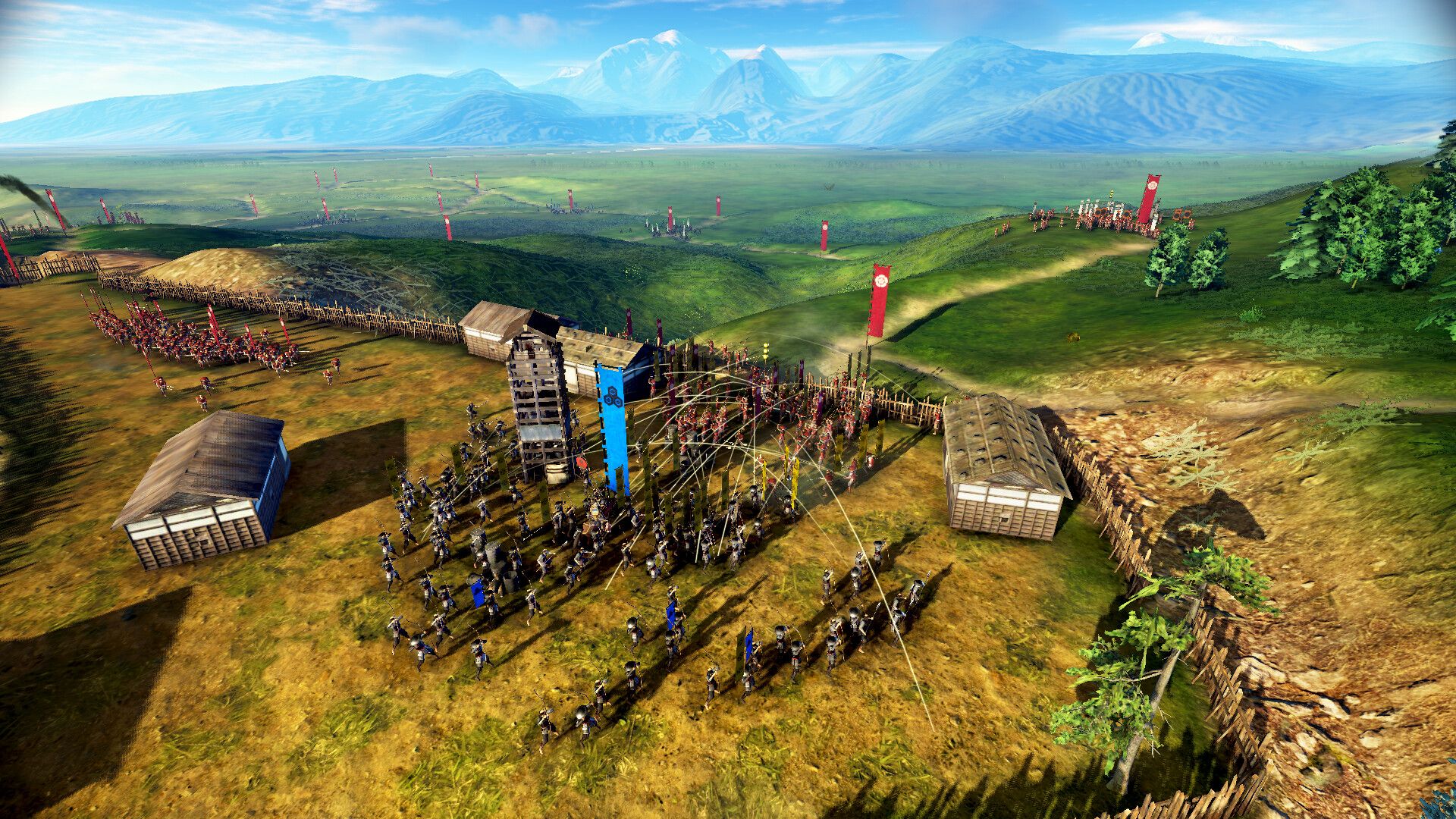
Nobunaga's Ambition: Awakening controls
Advertisement
Program information
Program name:

Nobunaga’s Ambition: Awakening is a turn‑based grand strategy video game where players manage economics, diplomacy, and military forces as a feudal leader in Japan’s Warring States period. It was released on July 20, 2022.
Web page: koeitecmoamerica.com/nobunaga/...
How easy to press shortcuts: 89%
More information >>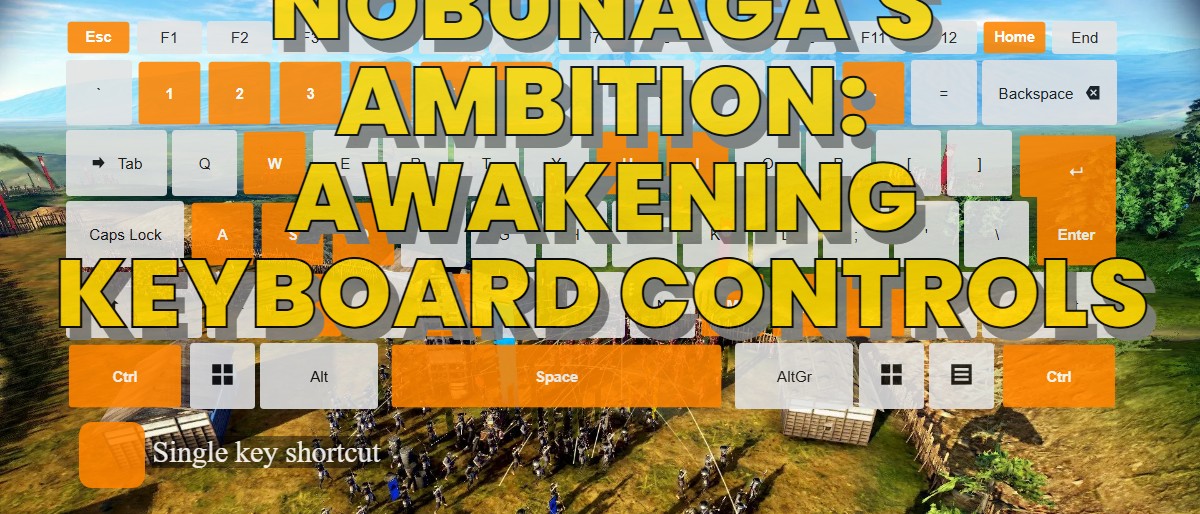
Similar programs


Tools
Nobunaga's Ambition: Awakening:Learn: Jump to a random shortcut
Hardest shortcut of Nobunaga's Ambi...
Other
What is your favorite Nobunaga's Ambition: Awakening hotkey? Do you have any useful tips for it? Let other users know below.
1147034 170
519892 8
419515 373
411080 6
329463 7
296520 38
14 hours ago
16 hours ago
18 hours ago
19 hours ago
2 days ago
2 days ago Updated!
Latest articles
How to Turn Telegram Into Private Text Bridge
Guide: Razer Snap Tap (SOCD)
Google Graveyard is also dying
Keep these "nonsense" away from EV owners!
How to spot an AI-generated article