
|
|
Remove line |
||
|
|
Select all |
||
|
|
Go to left |
||
|
|
Go to right |
||
|
|
Go line up |
||
|
|
Go line down |
||
|
|
Go to line start |
||
|
|
Go to line end |
||
|
|
Go to page up |
||
|
|
Go to page down |
||
|
|
Find |
||
|
|
Replace |
||
|
|
Fold selection |
||
|
|
Indent |
||
|
|
Undo |
||
|
|
Redo |
||
|
|
Transpose letters |
||
|
|
Overwrite |
||
|
|
Delete |
||
|
|
Macros replay |
||
|
|
Enter full screen |
||
|
|
Change to upper case |
||
|
|
Redo |
||
|
|
Fold all |
||
|
|
Fold selection |
||
|
|
Find next |
||
|
|
Go to start |
||
|
|
Go to end |
||
|
|
Scroll line down |
||
|
|
Scroll line up |
||
|
|
Go to word left |
||
|
|
Go to word right |
||
|
|
Select left |
||
|
|
Select right |
||
|
|
Select line start |
||
|
|
Select line end |
||
|
|
Remove to line end |
||
|
|
Remove word right |
||
|
|
Select up |
||
|
|
Select down |
||
|
|
Select page up |
||
|
|
Select page down |
||
|
|
Duplicate selection |
||
|
|
Select to matching bracket |
||
|
|
Select all from multi-selection |
||
|
|
Select to start |
||
|
|
Select to end |
||
|
|
Select word left |
||
|
|
Select word right |
||
|
|
Find previous |
||
|
|
Unfold |
||
|
or
|
|||
|
|
Toggle comment |
||
|
|
Change to lower case |
||
|
|
Go to line |
||
|
|
Unfold all |
||
|
|
Go to matching bracket |
||
|
|
Go to line end |
||
|
|
Go to line start |
||
Advertisement |
|||
|
|
Outdent |
||
|
|
Remove to linestart |
||
|
|
Remove word left |
||
|
|
Move lines down |
||
|
|
Move lines up |
||
|
|
Macros recording |
||
|
|
Show the settings menu |
||
|
|
Copy lines down |
||
|
|
Copy lines up |
||
|
|
Select to line end |
||
|
|
Select to line start |
||
|
|
Add multi-cursor above |
||
|
|
Add multi-cursor below |
||
|
|
Add next occurrence to multi-selection |
||
|
|
Add previous occurrence to multi-selection |
||
|
|
Move multicursor from current line to the line above |
||
|
|
Move multicursor from current line to the line below |
||
|
|
Remove current occurrence from multi-selection and move to next |
||
|
|
Remove current occurrence from multi-selection and move to previous |
||
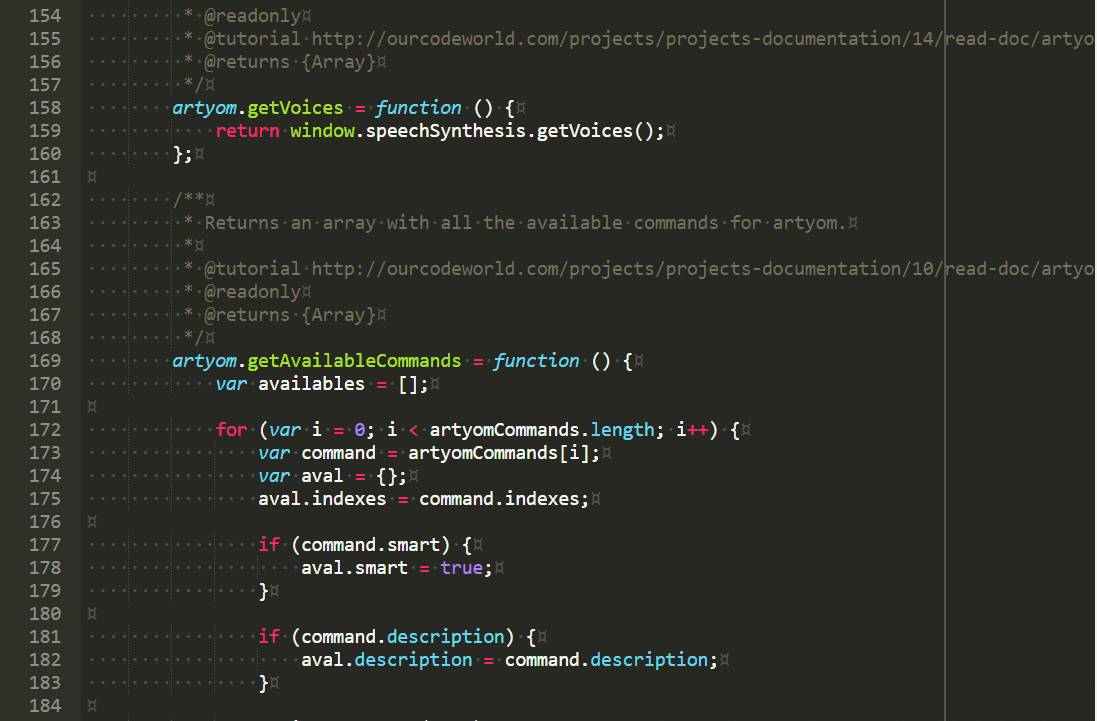
Ace Editor keyboard shortcuts
Ace Editor
Advertisement
Program information
Program name:

Ace is a collaborative real-time text editor. It allows multiple online users to view and edit a shared text document.
Web page: ace.c9.io
Last update: 11/11/2019 8:10 PM UTC
How easy to press shortcuts: 75%
More information >>Featured shortcut
Similar programs


Tools
Ace Editor:Learn: Jump to a random shortcut
Hardest shortcut of Ace Editor
Other
What is your favorite Ace Editor hotkey? Do you have any useful tips for it? Let other users know below.
1147129 170
519910 8
419533 373
411121 6
329497 7
296563 38
13 hours ago Updated!
13 hours ago
13 hours ago Updated!
13 hours ago Updated!
20 hours ago
21 hours ago Updated!
Latest articles
How to Turn Telegram Into Private Text Bridge
Guide: Razer Snap Tap (SOCD)
Google Graveyard is also dying
Keep these "nonsense" away from EV owners!
How to spot an AI-generated article