
|
When viewing or editing dashboards, use the Esc key to hide the keyboard shortcut help menu.
|
|||
|
You can use these shortcuts depending on the permissions and the access level you have.
|
|||
|
This shortcut is overridden when you're in the LookML editor (IDE).
|
|||
|
You can use these shortcuts in edit mode, depending on the permissions and the access level you have.
|
|||
|
Shortcuts for legacy dashboard are slightly different from the shortcuts available for viewing or editing dashboards.
|
|||
|
Source: Looker docs
|
|||
|
|
Vertical selection |
||
|
|
Toggle edit mode |
||
|
|
Edit dashboard settings when in edit mode |
||
|
|
Schedule |
||
|
|
Send |
||
|
|
Add filter |
||
|
|
Download dashboard |
||
|
|
Schedule delivery |
||
|
|
Reset filters |
||
|
|
Get LookML |
||
|
|
Send |
||
|
or
|
|||
|
|
Schedule |
||
|
|
Explore from here |
||
|
|
Get LookML |
||
|
|
Move current or selected lines up |
||
|
|
Move current or selected lines down |
||
|
|
Show or hide LookML quick help and metadata |
||
|
|
Increase indent |
||
|
|
Decrease indent |
||
|
|
Show or hide left navigation menu |
||
|
|
Fold LookML (all) |
||
|
|
Unfold LookML (all) |
||
|
|
Choose Looks |
||
|
|
Search |
||
|
|
Clear cache and refresh dashboard |
||
|
|
Open search bar |
||
|
|
Toggle comment |
||
|
|
Clear cache and run query |
||
|
|
Make public |
||
|
|
Download current query |
||
|
|
Download |
||
|
|
Clear cache & refresh |
||
|
|
Make public |
||
|
|
Clear cache and refresh dashboard |
||
|
|
Clear fields, delete custom fields, and delete table calculations |
||
|
|
Collapse or uncollapse selected lines |
||
|
|
Duplicate line or section |
||
|
|
Format file |
||
|
|
Show autosuggest tips |
||
|
|
Clear filters, clear fields, delete custom fields, and delete table calculations |
||
|
|
Share |
||
|
|
Run |
||
|
|
Save |
||
|
|
Add to dashboard |
||
|
|
Edit settings |
||
|
|
Run query |
||
|
|
Add to dashboard |
||
|
|
Share |
||
|
|
Redo |
||
|
|
Search for file |
||
|
|
Enter or exit Development Mode |
||
|
|
Reload data |
||
Advertisement |
|||
|
|
Enter or exit Development Mode |
||
|
|
Enter edit mode |
||
|
|
Add text |
||
|
|
Add or edit dashboard filters when in edit mode |
||
|
|
Download dashboard |
||
|
|
Run dashboard |
||
|
|
Reload data |
||
|
|
Add text tile |
||
|
|
Add query tile |
||
|
|
Show keyboard shortcuts menu |
||
|
or
|
|||
|
|
Show or hide keyboard shortcut help menu |
||
|
|
Hide keyboard shortcuts menu |
||
|
or
|
|||
|
|
Save |
||
|
|
Show or hide the IDE file browser |
||
|
|
Save |
||
|
|
Undo |
||
|
|
Toggle show only selected series in a visualization (Excludes table visualizations) |
||
|
|
Edit Look |
||
|
|
Jump to reference definition |
||
|
|
Delete current or selected lines |
||
Google Looker (Windows, 2023) keyboard shortcuts
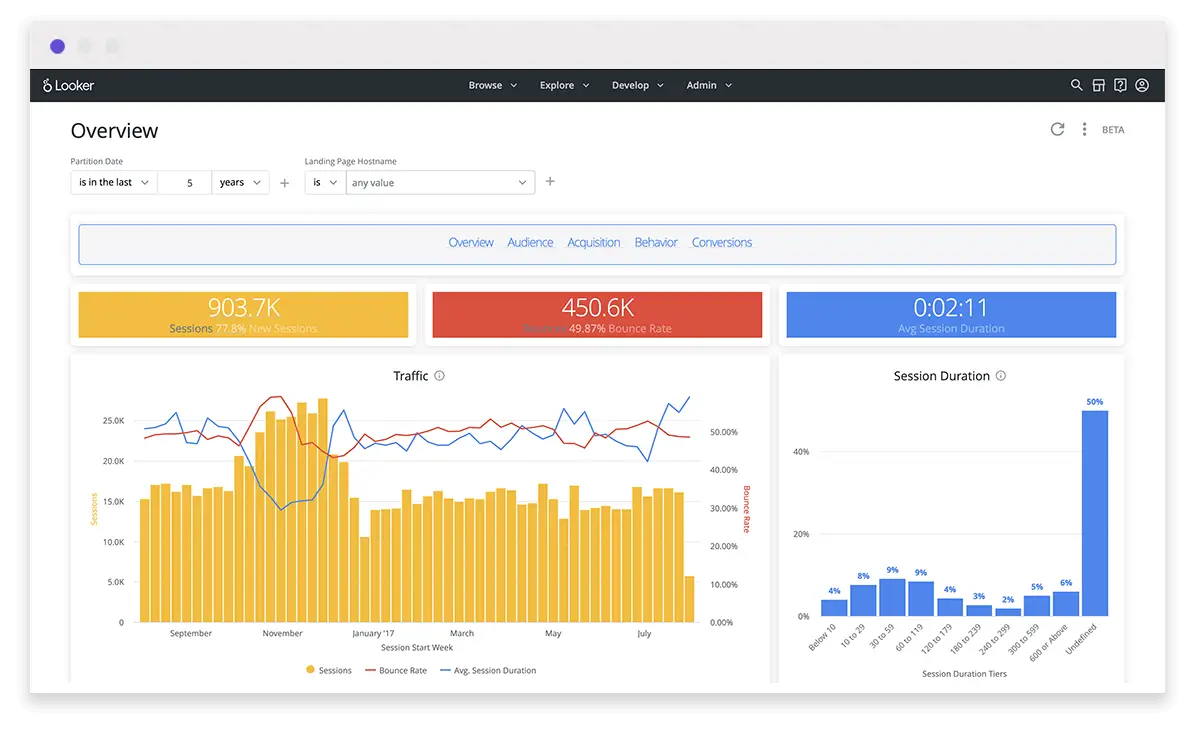
Google Looker (Windows, 2023)
This shortcut list is sorted by user, meaning that original structure (headings) is disregarded. You can see the original page here:
Google Looker (Windows, 2023) keyboard shortcuts.
Advertisement
Program information
Program name:

Looker is a business intelligence software and big data analytics platform. It helps quickly analyze and find insights in datasets.
Web page: looker.com
How easy to press shortcuts: 75%
More information >>Similar programs




Tools
Google Looker (Windows, 2023):Learn: Jump to a random shortcut
Hardest shortcut of Google Looker (...
Other
What is your favorite Google Looker (Windows, 2023) hotkey? Do you have any useful tips for it? Let other users know below.
1147129 170
519910 8
419533 373
411120 6
329496 7
296563 38
12 hours ago Updated!
12 hours ago
13 hours ago Updated!
13 hours ago Updated!
20 hours ago
20 hours ago Updated!
Latest articles
How to Turn Telegram Into Private Text Bridge
Guide: Razer Snap Tap (SOCD)
Google Graveyard is also dying
Keep these "nonsense" away from EV owners!
How to spot an AI-generated article