
|
|
Jump |
||
|
|
Inventory |
||
|
|
Reload |
||
|
|
Elysium toggle progress Ul |
||
|
|
Archetype discipline |
||
|
|
Pickup |
||
|
|
Interact |
||
|
|
Move backward |
||
|
|
Crouch (toggle) |
||
|
|
Clan discipline |
||
|
|
Move left |
||
|
|
Open chat / Send message |
||
|
|
Move right |
||
|
|
Ping enemy |
||
|
|
Map (toggle) |
||
|
|
Move forward |
||
|
|
Ready up |
||
|
|
Primary weapon |
||
|
|
Heightened senses |
||
|
|
Map (toggle) |
||
|
|
Secondary weapon |
||
|
|
Emote |
||
|
Spectate next |
|||
|
Attack |
|||
|
|
Change game mode |
||
|
|
Consumable |
||
|
|
Switch fire mode |
||
|
Alternate action |
|||
|
Spectate previous |
|||
|
Drop item |
|||
|
|
Melee weapon |
||
|
|
Inventory |
||
|
|
Show player list |
||
|
|
Quick use Blood Syringe |
||
|
|
Toggle options |
||
|
|
Free turn camera |
||
|
|
Quick use Blood Bag |
||
|
|
Quick use Armor |
||
|
Ping |
|||
|
|
Sprint |
||
|
|
Quick use Red Gas Neutralizer |
||
|
Previous weapon |
|||
|
Next weapon |
|||
|
|
Push to talk |
Bloodhunt (PC) keyboard controls
These are the default keyboard controls of the Bloodhunt. All of these hotkeys can be customized by going game settings, then clicking Key Bindings.
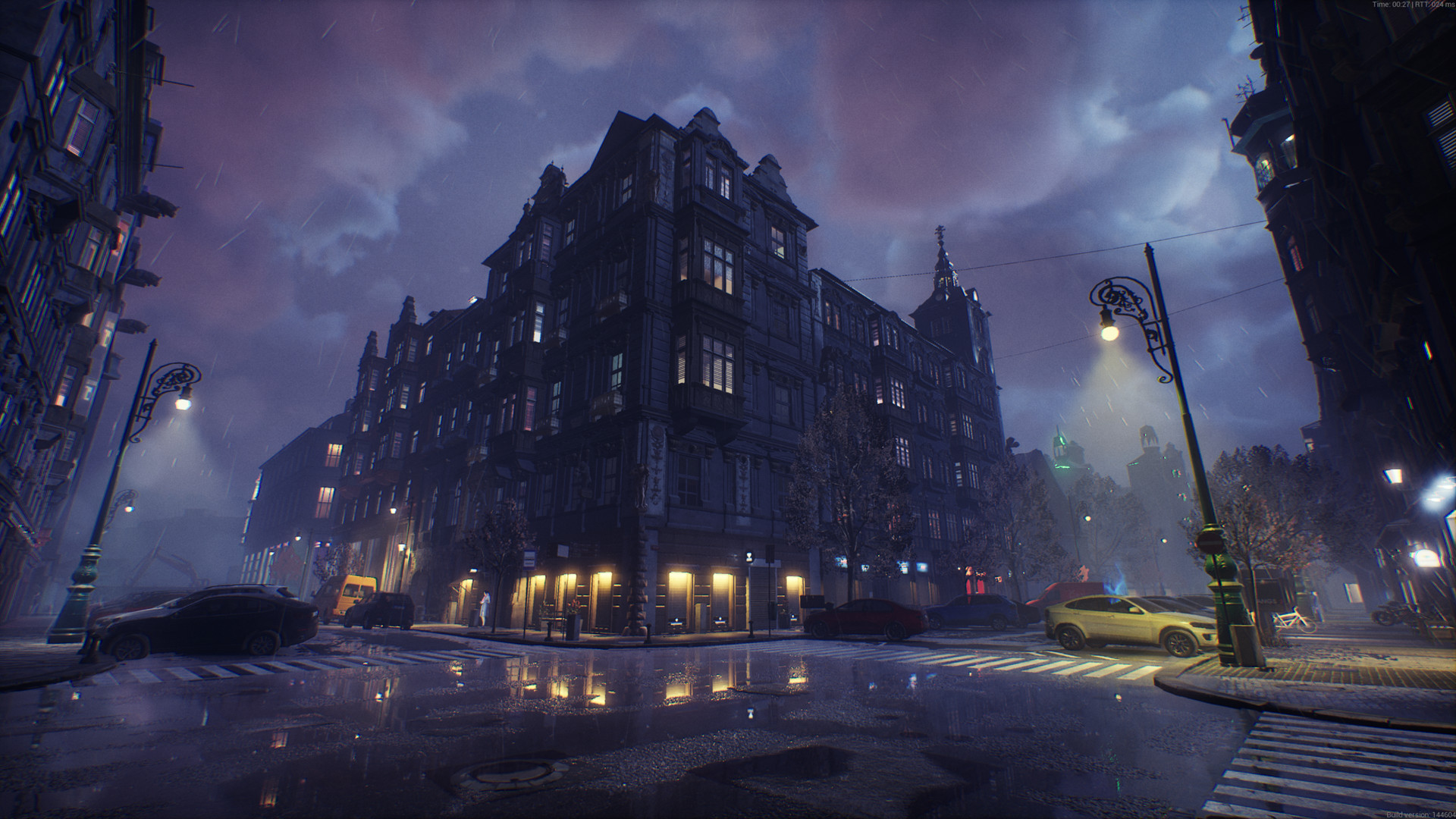
Bloodhunt (PC) controls
These are the default keyboard controls of the Bloodhunt. All of these hotkeys can be customized by going game settings, then clicking Key Bindings.
Advertisement
Program information
Program name:
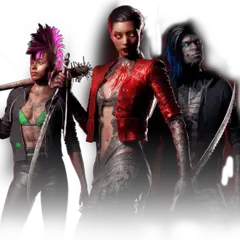
Vampire: The Masquerade – Bloodhunt is a free-to-play battle royale game set in the rooftops in Prague. It is released as an early-access for Windows in September 7, 2021.
Web page: store.steampowered.com/app/760...
How easy to press shortcuts: 93%
More information >>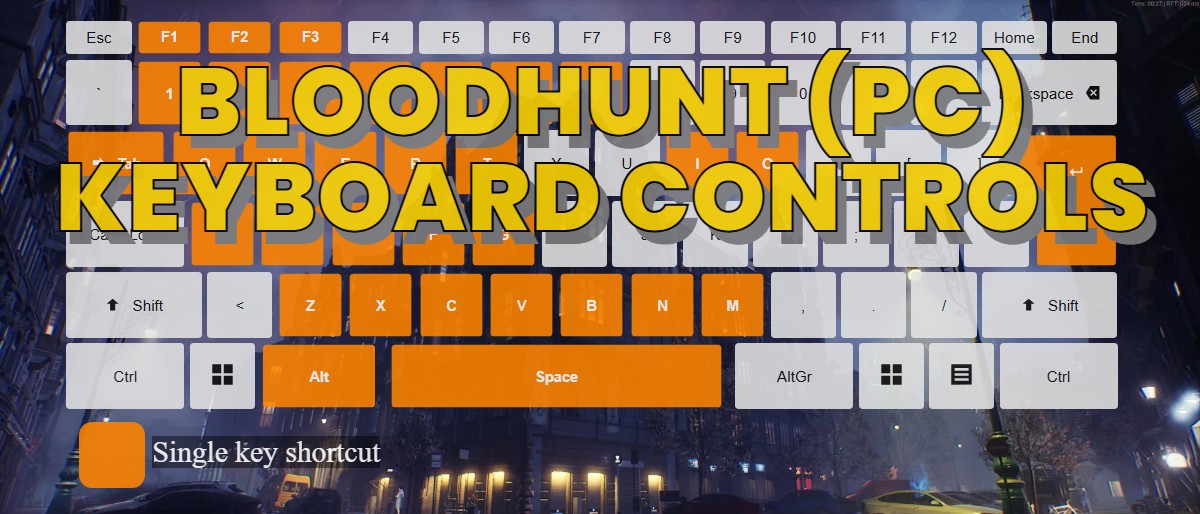



What is your favorite Bloodhunt (PC) hotkey? Do you have any useful tips for it? Let other users know below.
1146805 170
519853 8
419455 373
410960 6
329366 7
296428 38
15 hours ago
15 hours ago
15 hours ago
16 hours ago
Yesterday
Yesterday
Latest articles
How to Turn Telegram Into Private Text Bridge
Guide: Razer Snap Tap (SOCD)
Google Graveyard is also dying
Keep these "nonsense" away from EV owners!
How to spot an AI-generated article