
|
|
Help contents |
||
|
|
Refresh interfaces |
||
|
|
Collapse the current packet detail |
||
|
|
Expand the current packet detail |
||
|
|
Save |
||
|
|
Find a packet |
||
|
|
Ignore or unignore each selected packet |
||
|
or
|
|||
|
|
Find the next packet |
||
|
|
Find the previous packet |
||
|
|
Close this capture file |
||
|
|
Start capturing packets |
||
|
|
Stop capturing packets |
||
|
|
Capture options |
||
|
|
Restart current capture |
||
|
|
Reload this file |
||
|
|
Open a capture file |
||
|
or
|
|||
|
|
Go to specified packet |
||
|
|
Set or unset a time reference for this packet |
||
|
|
Save as |
||
|
|
Print… |
||
|
|
Mark the current conversation with its own color |
||
|
|
Shrink the main window text |
||
|
|
Reload Lua plugins |
||
|
|
Copy this item as a display filter |
||
|
|
Manage Wireshark's preferences |
||
|
|
Go to the previous packet in this conversation |
||
|
|
Mark or unmark each selected packet |
||
|
|
Quit |
||
|
|
Reload as File Format/Capture |
||
|
|
Mark the current conversation with its own color |
||
|
|
Return the main window text to its normal size |
||
|
|
Manage your configuration profiles |
||
|
|
Mark the current conversation with its own color |
||
|
|
Go to the next packet |
||
|
|
Collapse all packet details |
||
|
|
Go to the previous packet |
||
|
|
Enlarge the main window text |
||
|
|
Resize packet list columns to fit contents |
||
|
|
Expand packet details |
||
|
|
Enable and disable specific protocols |
||
|
|
Ignore all displayed packets |
||
|
|
Mark all displayed packets |
||
|
|
Go to the next marked packet |
||
|
|
Create a packet list column from the selected field |
||
|
|
Shift or change packet timestamps |
||
|
|
Mark the current conversation with its own color |
||
|
|
Show Packet Bytes… |
||
|
|
Go to the previous marked packet |
||
|
|
Add or change a packet comment |
||
|
|
Mark the current conversation with its own color |
||
|
|
Go to the next time reference |
||
|
|
Remove all time references |
||
|
|
Mark the current conversation with its own color |
||
|
|
Go to the next packet in this conversation |
||
|
|
Reset appearance layout to default size |
||
|
|
Change the way packets are dissected |
||
|
|
Go to the previous packet in your selection history |
||
Advertisement |
|||
|
|
Unmark all displayed packets |
||
|
|
Go to the next packet in your selection history |
||
|
|
Mark the current conversation with its own color |
||
|
or
|
|||
|
|
Full Screen |
||
|
|
Mark the current conversation with its own color |
||
|
|
Export Packet Bytes… |
||
|
|
Show packet times as the date and time of day |
||
|
|
Go to the previous time reference |
||
|
|
Show packet times as the date and time of day |
||
|
|
Show packet times as the seconds since the UNIX / POSIX epoch (1970-01-01). |
||
|
|
Reset colorized conversations |
||
|
|
Go to the first packet |
||
|
|
Copy this item's value |
||
|
|
Reset coloring |
||
|
|
Go to the last packet |
||
|
|
Show packet times as the date and time of day. |
||
|
|
Follow TLS Stream |
||
|
|
Copy this item's field name |
||
|
|
Show packet times as the seconds since the previous captured packet. |
||
|
|
Capture file properties |
||
|
|
Show packet times as the UTC date and time of day. |
||
|
|
Show packet times as the seconds since the previous displayed packet. |
||
|
|
Unignore all displayed packets |
||
|
|
Copy all Visible Items |
||
|
|
Show packet times as the UTC time of day. |
||
|
|
Follow TCP Stream |
||
|
|
Follow HTTP Stream |
||
|
|
Copy item's description |
||
|
|
Follow UDP Stream |
||
WireShark 3.4.3 (macOS) keyboard shortcuts
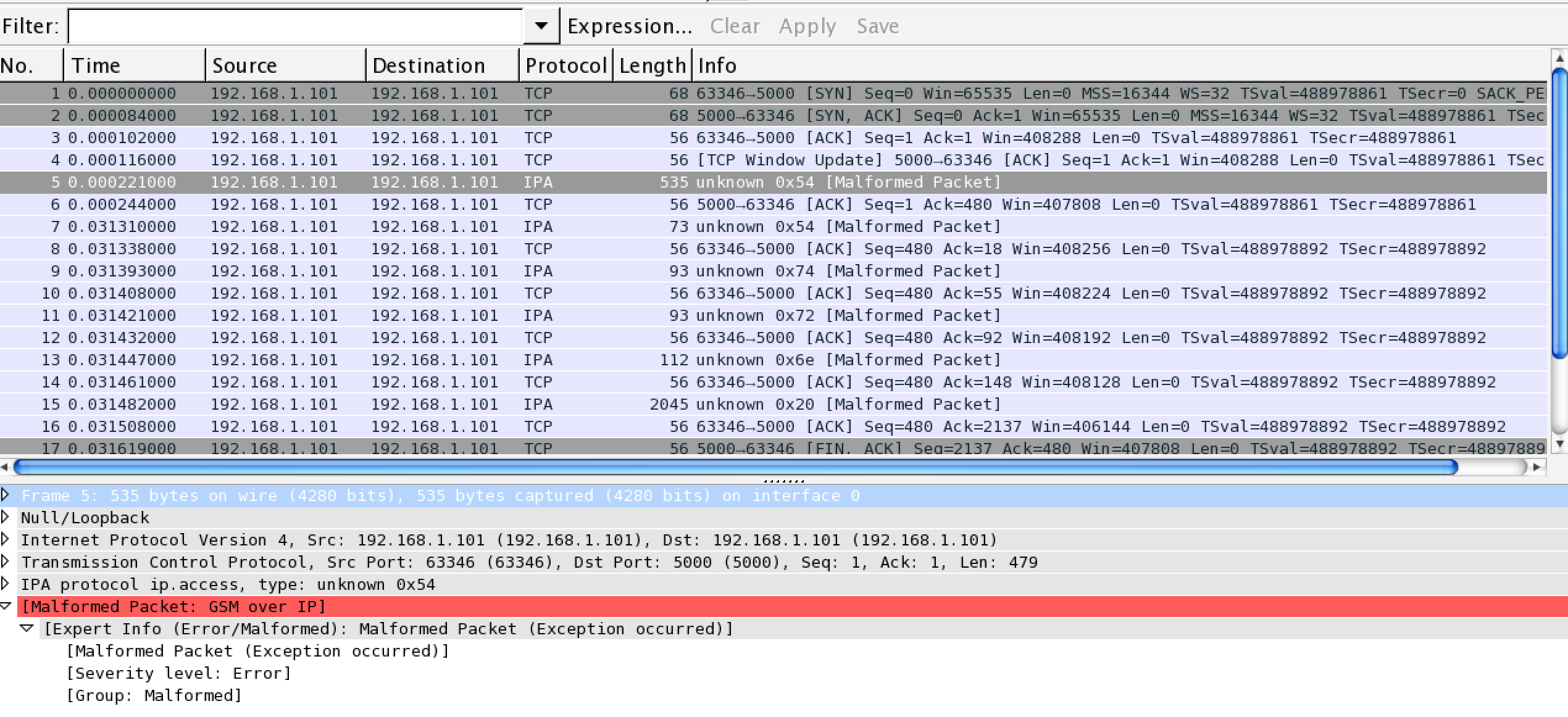
WireShark 3.4.3 (macOS)
Advertisement
Program information
Program name:

Wireshark is a free and open-source packet analyzer used for analysis, network troubleshooting, education and more. It was first released as Ethereal, the project was later renamed to Wireshark because of trademark problems.
Web page: wireshark.org
How easy to press shortcuts: 77%
More information >>Similar programs




Tools
WireShark 3.4.3 (macOS):Learn: Jump to a random shortcut
Hardest shortcut of WireShark 3.4.3...
Other
What is your favorite WireShark 3.4.3 (macOS) hotkey? Do you have any useful tips for it? Let other users know below.
1147130 170
519910 8
419533 373
411121 6
329497 7
296563 38
13 hours ago Updated!
13 hours ago
13 hours ago Updated!
13 hours ago Updated!
21 hours ago
21 hours ago Updated!
Latest articles
How to Turn Telegram Into Private Text Bridge
Guide: Razer Snap Tap (SOCD)
Google Graveyard is also dying
Keep these "nonsense" away from EV owners!
How to spot an AI-generated article